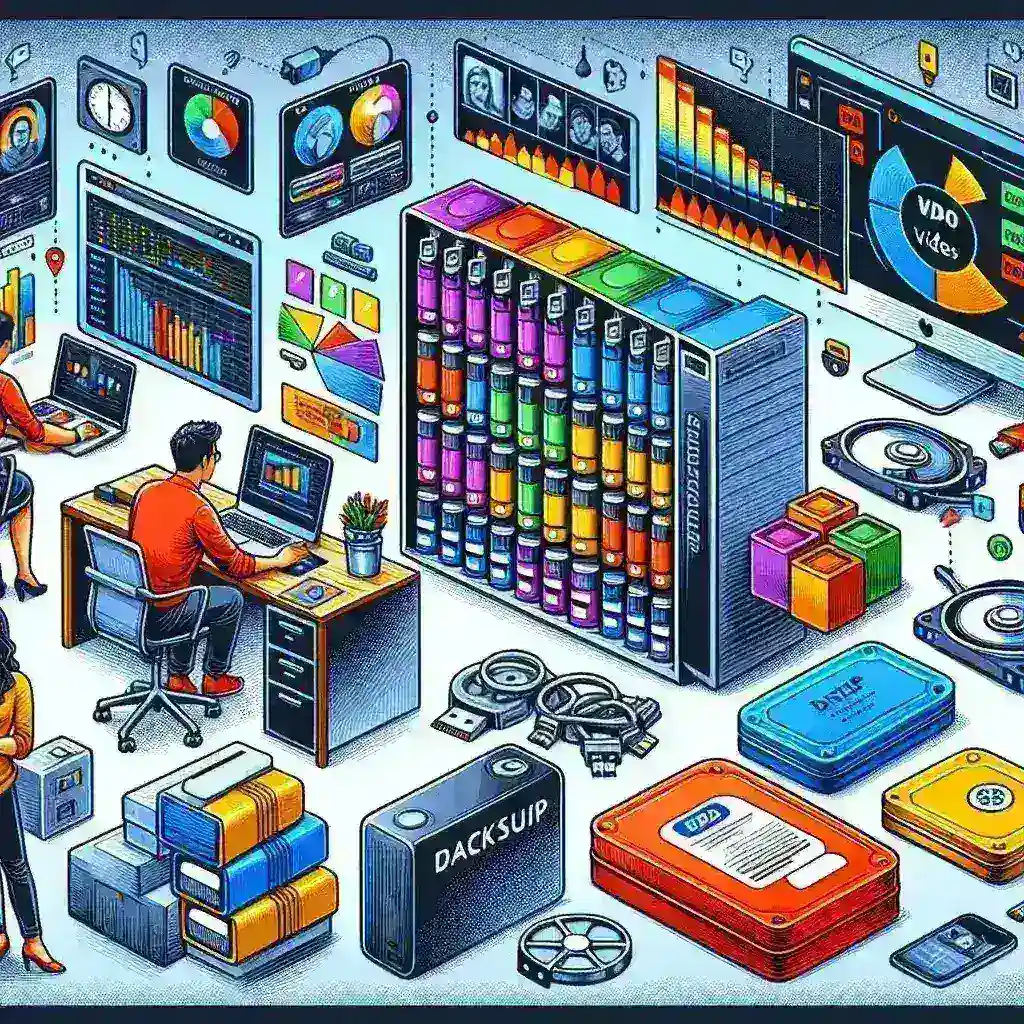
Why Video Project Backup is Critical for Content Creators
In the digital age of content creation, losing a video project can be devastating. Whether you’re a professional filmmaker, YouTuber, or casual video enthusiast, proper backup strategies are essential for protecting your creative work and countless hours of effort. Video files are notoriously large, making them vulnerable to storage failures, accidental deletions, and hardware malfunctions.
The entertainment industry loses millions of dollars annually due to inadequate backup practices. According to recent studies, approximately 30% of content creators have experienced significant data loss at least once in their careers. This statistic alone should motivate every video professional to implement robust backup protocols.
Understanding the 3-2-1 Backup Rule for Video Projects
The 3-2-1 backup rule serves as the foundation for any reliable backup strategy. This time-tested approach involves maintaining three copies of your data: one primary working copy and two backup copies stored on different media types, with at least one copy stored offsite.
For video projects, this translates to keeping your active project on your main workstation, creating a local backup on an external drive or network attached storage (NAS), and maintaining a cloud-based or offsite backup. This redundancy ensures that even if two storage systems fail simultaneously, your precious video content remains safe.
Primary Storage Considerations
Your primary storage should prioritize speed and accessibility. Solid-state drives (SSDs) offer excellent performance for active video editing, while high-capacity traditional hard drives can serve as cost-effective secondary storage for completed projects.
Local Backup Solutions for Video Content
Local backups provide immediate access and faster restore times compared to cloud solutions. Several effective local backup methods exist for video creators:
- External Hard Drives: Portable and affordable, ideal for smaller projects and individual creators
- Network Attached Storage (NAS): Perfect for teams and professionals handling multiple concurrent projects
- RAID Arrays: Offer real-time redundancy but shouldn’t replace proper backup strategies
- Tape Storage: Cost-effective for long-term archival of completed projects
When selecting local backup hardware, consider factors such as storage capacity, transfer speeds, reliability ratings, and scalability. Professional video creators often require storage solutions capable of handling 4K, 8K, or even higher resolution content, which demands substantial bandwidth and capacity.
Automated Local Backup Software
Manual backups are prone to human error and inconsistency. Automated backup software eliminates these risks by creating scheduled, incremental backups of your video projects. Popular solutions include:
- Time Machine (macOS)
- File History (Windows)
- Carbon Copy Cloner
- Acronis True Image
- Backblaze Computer Backup
Cloud-Based Backup Strategies
Cloud storage has revolutionized video project backup by providing offsite protection and accessibility from anywhere with an internet connection. However, video files present unique challenges for cloud backup due to their massive file sizes.
Leading cloud backup services for video creators include Google Drive, Dropbox, Amazon S3, Microsoft OneDrive, and specialized media storage platforms like Frame.io and Wipster. When evaluating cloud solutions, consider upload speeds, storage costs, bandwidth limitations, and integration with your existing workflow.
Hybrid Cloud Approaches
Many professionals adopt hybrid approaches, using cloud storage for project files, proxies, and metadata while maintaining local storage for full-resolution media. This strategy balances accessibility with cost-effectiveness, as storing terabytes of raw video footage in the cloud can become prohibitively expensive.
Version Control and Project Organization
Effective backup strategies extend beyond simple file duplication. Implementing proper version control ensures you can track changes, revert to previous iterations, and maintain organized project archives.
Best practices for video project organization include:
- Consistent naming conventions for projects, sequences, and assets
- Regular project archival upon completion
- Metadata documentation for easy retrieval
- Separation of raw footage, project files, and rendered outputs
- Timestamped backup versions
Project File Backup Frequency
Video projects evolve rapidly during editing phases. Establish backup schedules that align with your workflow intensity. Active projects may require hourly or daily backups, while archived projects need only periodic verification and migration to newer storage formats.
Hardware Considerations and Maintenance
Storage hardware requires regular maintenance to ensure reliability. Hard drives have finite lifespans, typically ranging from 3-5 years for consumer models and 5-7 years for enterprise-grade equipment. Monitor drive health using built-in diagnostics and third-party tools like CrystalDiskInfo or DriveDx.
Environmental factors significantly impact storage longevity. Maintain appropriate temperature and humidity levels, protect equipment from physical damage, and implement surge protection for all storage devices.
Testing and Verification
Regular backup testing is crucial but often overlooked. Schedule periodic restore tests to verify backup integrity and familiarize yourself with recovery procedures. Document your backup and recovery processes to ensure consistency and enable others to assist during emergencies.
Budget-Friendly Backup Solutions
Professional-grade backup solutions don’t always require enterprise budgets. Independent creators and small teams can implement effective backup strategies using consumer-grade equipment and free or low-cost software.
Consider starting with external USB drives for local backups and free cloud storage tiers for offsite protection. As your projects grow in complexity and value, gradually invest in more robust solutions like NAS systems and dedicated cloud storage accounts.
Disaster Recovery Planning
Comprehensive backup strategies include disaster recovery planning. Document your backup procedures, maintain current inventories of storage devices, and establish clear recovery priorities for different scenarios.
Consider geographic risks when planning offsite backups. Natural disasters, theft, and infrastructure failures can affect multiple storage locations simultaneously. Distribute backups across different geographic regions when possible.
Insurance and Legal Considerations
Professional video creators should explore insurance options that cover data loss and equipment failure. Additionally, understand legal requirements for data retention in your industry, as some sectors mandate specific backup and archival practices.
Future-Proofing Your Backup Strategy
Technology evolves rapidly, and backup strategies must adapt accordingly. Plan for format migrations, hardware upgrades, and changing storage technologies. Regularly review and update your backup procedures to incorporate new tools and address emerging threats.
Emerging technologies like blockchain-based storage and AI-powered backup optimization may soon revolutionize how we protect video content. Stay informed about industry developments and be prepared to evolve your backup strategies as new solutions become available.
Common Backup Mistakes to Avoid
Learning from others’ mistakes can save time, money, and heartache. Common video backup pitfalls include:
- Relying solely on RAID arrays without proper backups
- Neglecting to test backup integrity regularly
- Storing all backups in the same physical location
- Failing to account for project dependencies and linked media
- Ignoring backup verification and error reporting
- Postponing backup implementation until after data loss occurs
Avoid these mistakes by implementing comprehensive backup strategies from the beginning of each project and maintaining discipline in following established procedures.
Conclusion: Protecting Your Creative Investment
Proper video project backup requires planning, investment, and ongoing maintenance, but the protection it provides is invaluable. By implementing the 3-2-1 rule, utilizing both local and cloud storage solutions, maintaining organized project structures, and regularly testing your backup systems, you can safeguard your creative work against virtually any disaster.
Remember that backup strategies should evolve with your needs and the technology landscape. Start with basic solutions and gradually enhance your protection as your projects become more complex and valuable. The peace of mind that comes from knowing your video projects are properly protected allows you to focus on what matters most: creating exceptional content.
Investing time and resources in proper backup procedures today can save you from devastating losses tomorrow. Your future self will thank you for the foresight to protect your creative investments through comprehensive backup planning.
Leave a Reply